> For the complete documentation index, see [llms.txt](https://docs.walnutai.ai/llms.txt). Markdown versions of documentation pages are available by appending `.md` to page URLs; this page is available as [Markdown](https://docs.walnutai.ai/overview-and-tracking/action-item/managing-your-action-items.md).
# Managing Your Action Items
You can manage your Action Items directly from the directory view to streamline your workflow. This centralized hub allows for quick updates and structural organization without navigating away from the main list.
**Direct Directory Management**
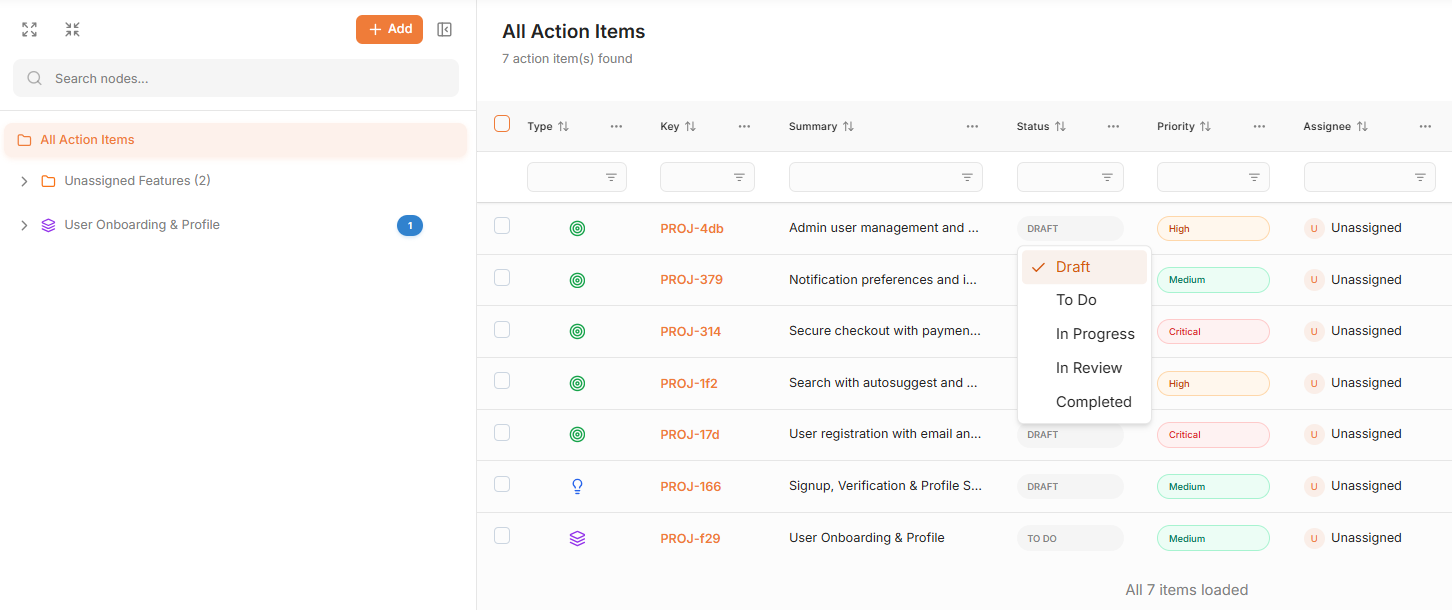
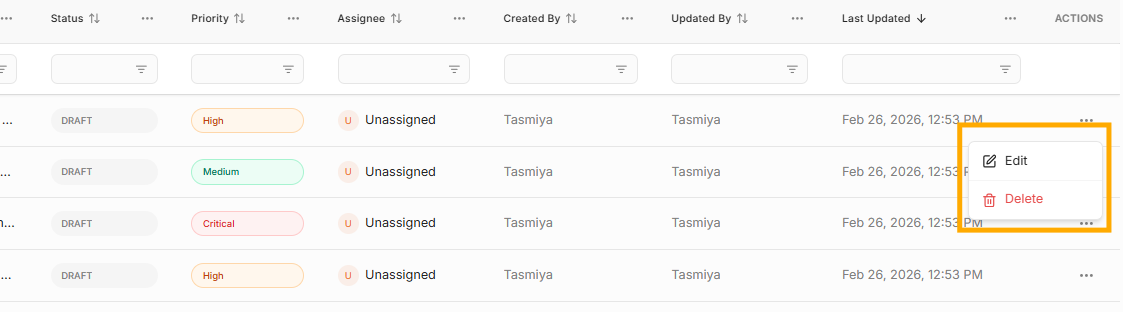
Use the dropdown options within the directory view to update key fields instantly:
* **Attributes:** Update the Status, Priority, Assignee, and other attributes without opening the individual item.
* **Edit:** Click Edit to make detailed changes to the Action Item’s content or metadata.
* **Delete:** Click Delete to permanently remove the Action Item from the project.
**Organizing with Folders**
To improve structure and clarity, you can group related Action Items into folders. This is particularly useful for organizing work based on specific releases, modules, sprints, or any custom workflow structure.
**Steps to Create a New Folder:**
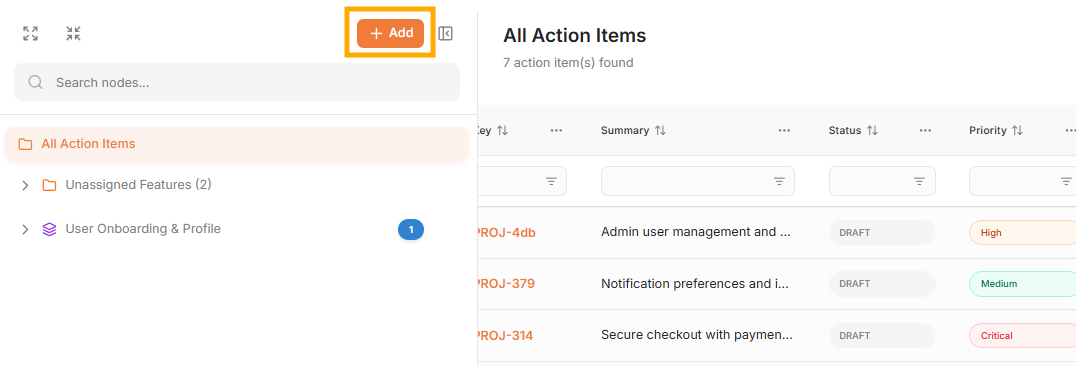
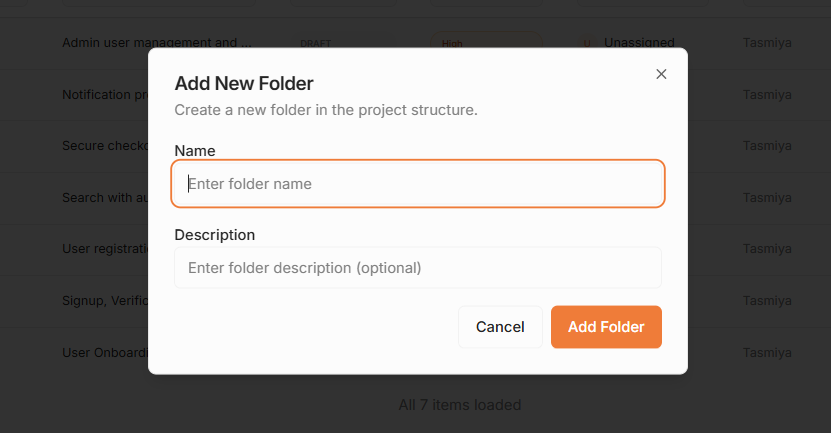
* Click Add Folder within the Action Items module.
* Enter a Title and Description that clearly identifies the folder's purpose.
* Drag and drop the associated Action Items (such as specific User Stories or Features) to the folder.
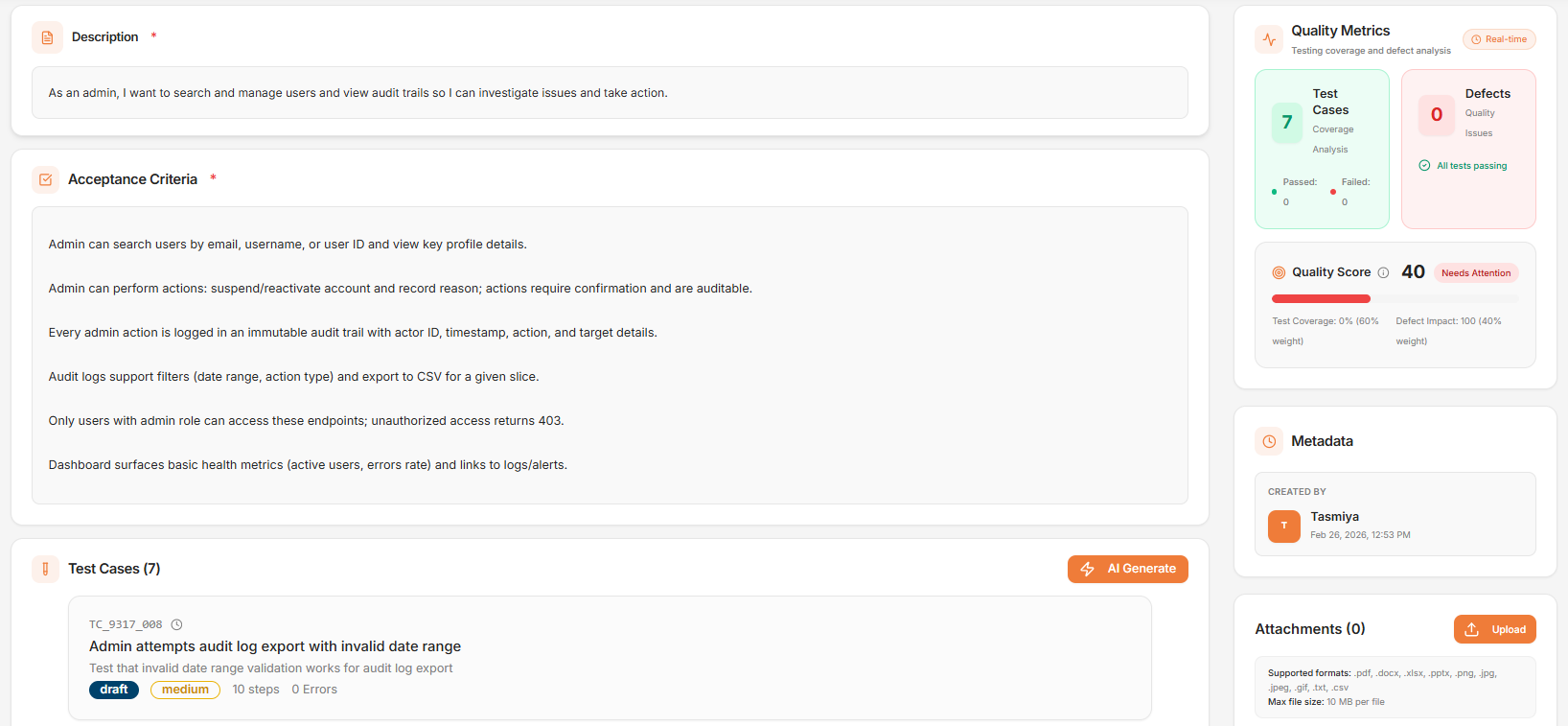
**Quality Insights & Traceability Overview**
* **Quality & Tracking:** Provides teams with a real-time health check of the User Story. By viewing the quality score, test case pass/fail status, and linked defects in one place, stakeholders can instantly understand implementation readiness, risk areas, and validation progress. This eliminates guesswork and ensures no failed validations are overlooked before release.
* **Metadata:** Automatically capturing details like Created By, Last Updated By, and Last Updated Date ensures full traceability. It promotes accountability and provides clear visibility into who made changes and when, which is especially valuable during audits, reviews, or when investigating requirement shifts.
* **Attachments:** Keeping requirement documents, designs, screenshots, and supporting files directly within the User Story ensures complete context in a single place. This reduces dependency on external tools, prevents information loss, and enables teams to quickly reference everything they need without searching across multiple platforms.