> For the complete documentation index, see [llms.txt](https://docs.walnutai.ai/llms.txt). Markdown versions of documentation pages are available by appending `.md` to page URLs; this page is available as [Markdown](https://docs.walnutai.ai/overview-and-tracking/action-item/ai-driven-requirement-enhancement-and-test-generation.md).
# AI-Driven Requirement Enhancement & Test Generation
**Using AI to Enhance the Story**
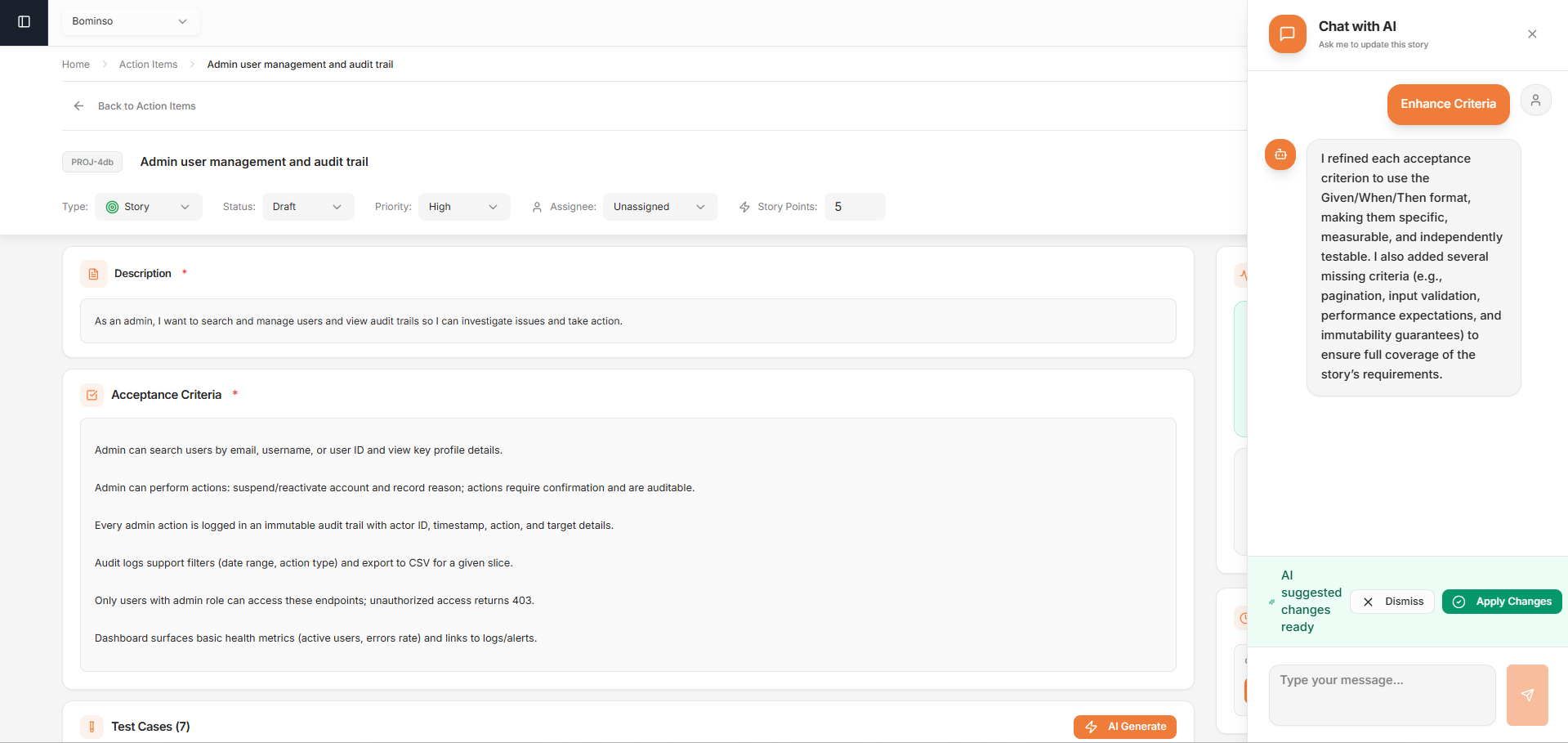
The Chat with AI option is useful for identifying and filling gaps within your User Story. Whether you missed a specific step, overlooked an edge case, or feel the acceptance criteria are incomplete, you can use the chat to refine and strengthen the requirement before it moves to development.
**You can use it to:**
* **Improve Clarity:** It rewrites unclear or ambiguous descriptions into precise, implementation-ready statements that are easy for developers to follow.
* **Enhance Criteria:** It defines acceptance criteria to make them specific, measurable, and testable.
* **Add Edge Cases:** It identifies missing scenarios, validations, and boundary conditions that may have been overlooked during initial planning.
* **Suggest Points:** It evaluates the scope and complexity of the requirements to recommend appropriate story points for better sprint estimation.
When the AI suggests enhancements, click **Apply Changes** to automatically update the story with the refined version. It replaces existing content with the AI-enhanced updates, ensuring changes are saved and immediately reflected in the User Story.
**Generating Test Cases**
You can bridge the gap between requirements and validation by leveraging automated test generation.
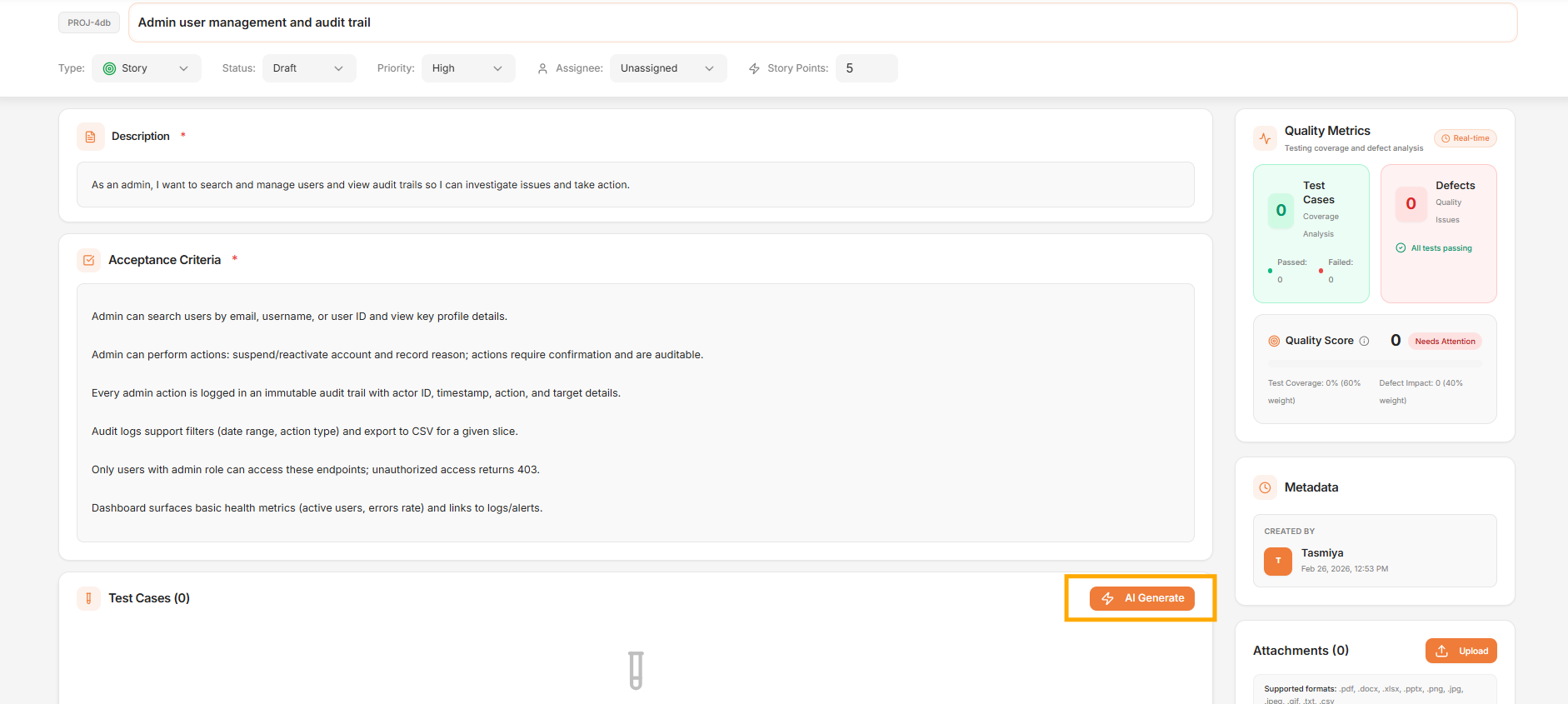
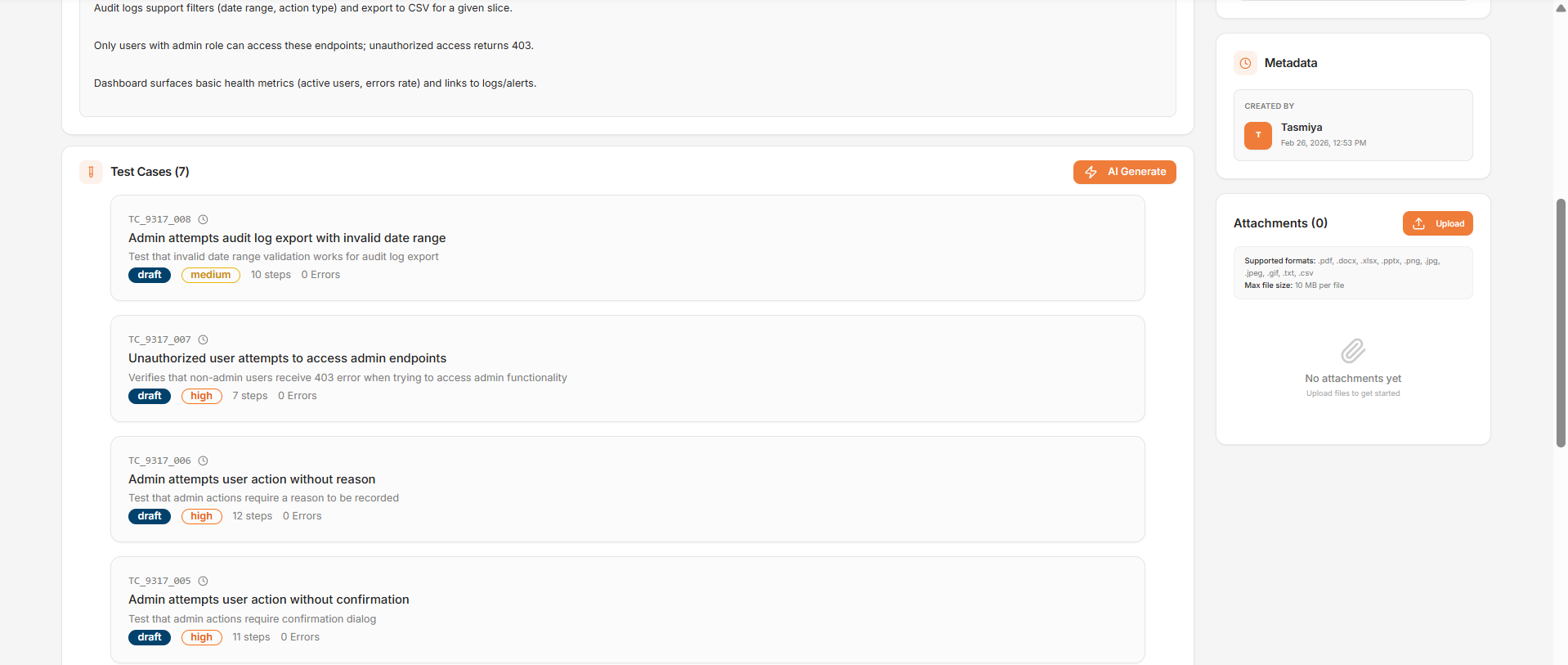
* **Initiate Generation:** Click **AI Generate** within the User Story interface.
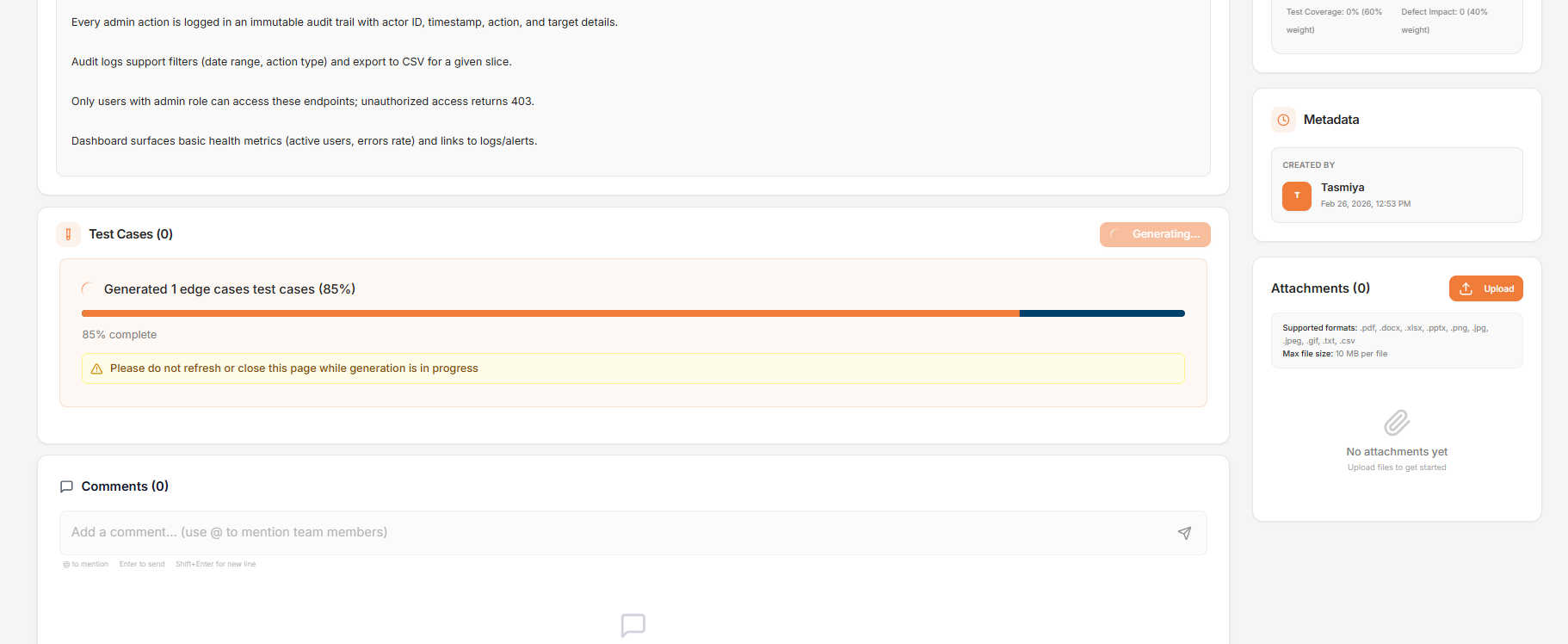
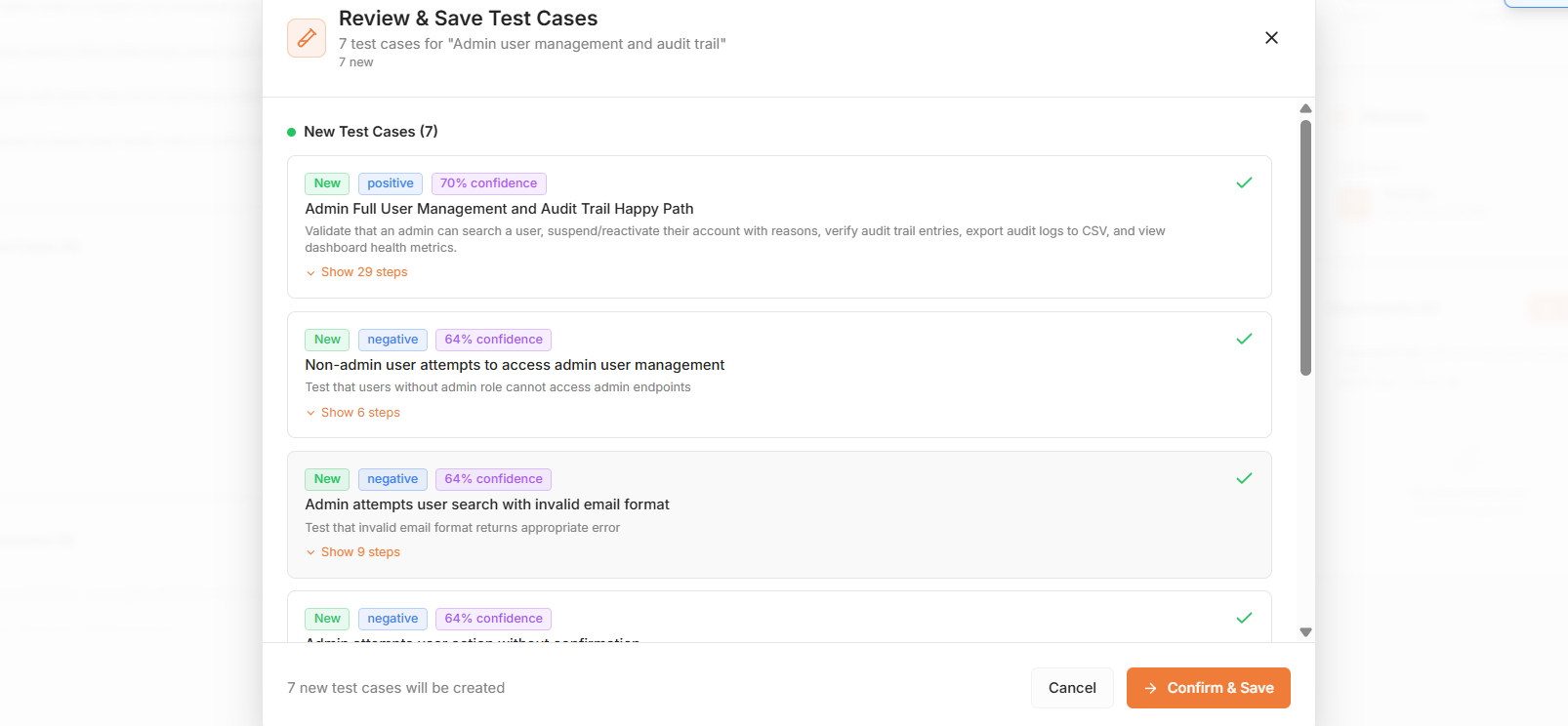
* **Automated Creation:** The system automatically creates both positive and negative test cases based on the provided story details and criteria.
* **Review and Refinement:** Review the generated test cases for accuracy, then click **Confirm** & **Save** to finalize them.
* On saving, the test cases are linked to the User Story.