> For the complete documentation index, see [llms.txt](https://docs.walnutai.ai/llms.txt). Markdown versions of documentation pages are available by appending `.md` to page URLs; this page is available as [Markdown](https://docs.walnutai.ai/core-features/intelligence-hub/generate-test-cases/smart-recording/manual-recording/web-test-case-creation.md).

# Web Test Case Creation

**Manual Recording** in WalnutAI allows you to create automated test cases by manually interacting with a web application. As you perform the required workflow, WalnutAI captures your actions and converts them into structured automated test steps.

#### Steps to Generate a Web Test Case

* Navigate to the **Intelligence Hub** and select **Smart Recording**.
* Select **Web** as the test type, choose the preferred browser, and enable **Reuse Session** if required.

<figure><img src="https://295337183-files.gitbook.io/~/files/v0/b/gitbook-x-prod.appspot.com/o/spaces%2F9aroNmDWVJAmMjkdy0hx%2Fuploads%2F1jeUg7FTgqtETLN56rNQ%2FScreenshot%202026-08-10%20at%2011.51.27%E2%80%AFPM.png?alt=media&amp;token=47c70f32-fdb4-40f3-ba13-8a3e789327f6" alt=""><figcaption></figcaption></figure>

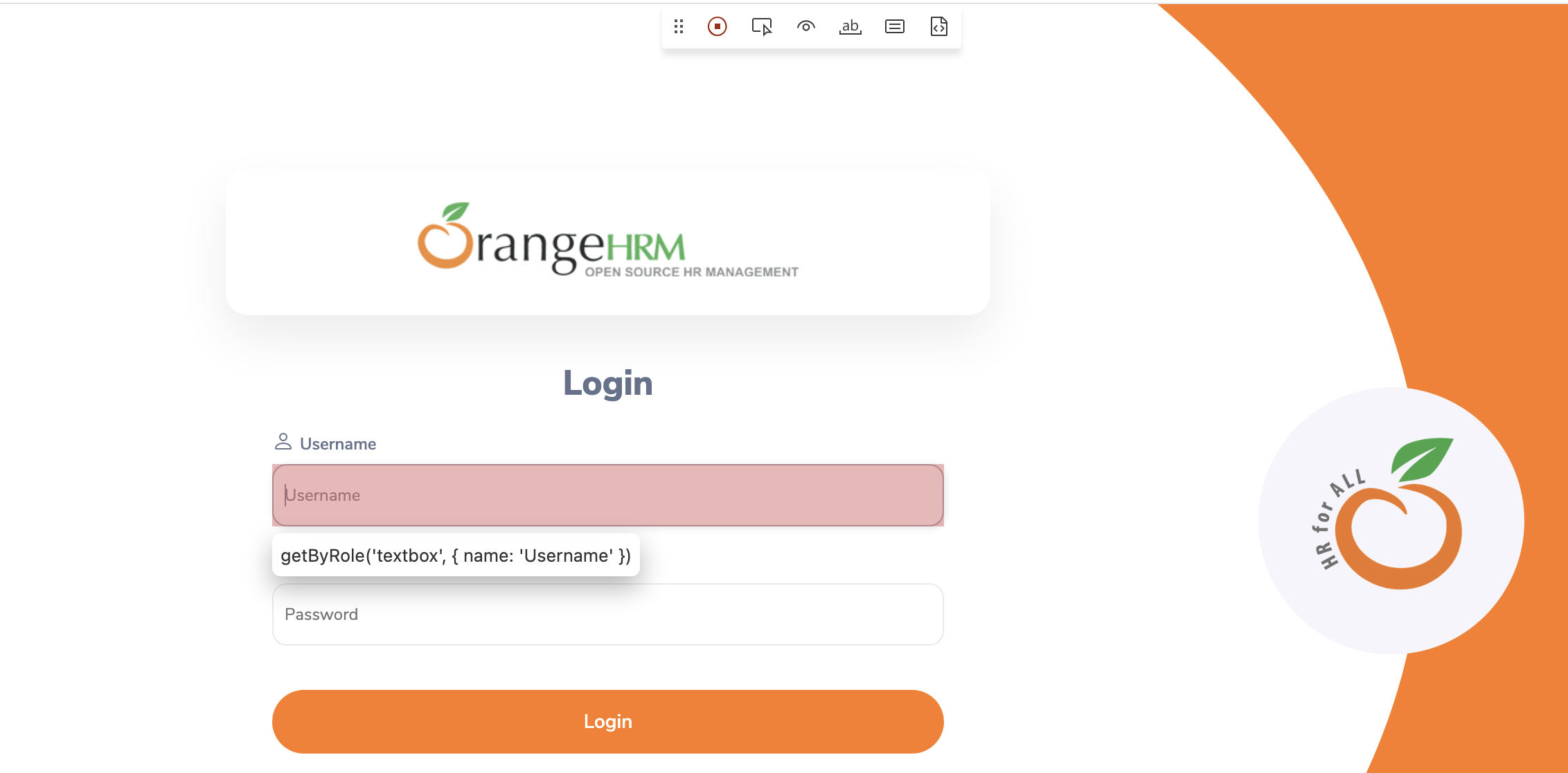
* Enter the application **URL** and click **Connect**. The application opens in a **separate browser window**, where you can perform the required actions manually.

<figure><img src="https://295337183-files.gitbook.io/~/files/v0/b/gitbook-x-prod.appspot.com/o/spaces%2F9aroNmDWVJAmMjkdy0hx%2Fuploads%2FiDe53gbJtEHvIQ9ZiqcF%2FScreenshot%202026-08-10%20at%2011.52.17%E2%80%AFPM.png?alt=media&amp;token=62003e71-721a-48f9-8636-605c5422349b" alt=""><figcaption></figcaption></figure>

* Perform the required workflow in the application. For example, **log in to the application with valid credentials and log out**.

<figure><img src="https://295337183-files.gitbook.io/~/files/v0/b/gitbook-x-prod.appspot.com/o/spaces%2F9aroNmDWVJAmMjkdy0hx%2Fuploads%2FsbRNsoljOv4fLvqagTlu%2FScreenshot%202026-08-10%20at%2011.57.31%E2%80%AFPM.png?alt=media&amp;token=6b9cd808-35d4-48ed-83c6-07f9ef7b34b6" alt=""><figcaption></figcaption></figure>

* As you interact with the application, WalnutAI captures the actions and generates the corresponding **test steps and parameters**.

<figure><img src="https://295337183-files.gitbook.io/~/files/v0/b/gitbook-x-prod.appspot.com/o/spaces%2F9aroNmDWVJAmMjkdy0hx%2Fuploads%2FWpbFoHRARO5GsHgEy0wr%2FScreenshot%202026-08-10%20at%2011.59.24%E2%80%AFPM.png?alt=media&amp;token=0af339d3-19c0-4fc9-839f-0417d2e544a0" alt=""><figcaption></figcaption></figure>

* Once the recording is complete, review and customize the generated steps as required. You can **edit objects, skip a step, enable Continue on Failure, add a new step, add a nested test case, or cancel a step**.

<figure><img src="https://295337183-files.gitbook.io/~/files/v0/b/gitbook-x-prod.appspot.com/o/spaces%2F9aroNmDWVJAmMjkdy0hx%2Fuploads%2F3FX6X5kc6lYicwkxdABn%2FScreenshot%202026-08-10%20at%2011.58.18%E2%80%AFPM.png?alt=media&amp;token=38a63d5c-9a54-49cb-9504-8d588df79a29" alt=""><figcaption></figcaption></figure>

{% hint style="info" %}
For detailed information on modifying individual test steps, refer to [**Manage a Test Step**.](/test-and-quality-management/test-management/test-cases/manage-test-step.md)
{% endhint %}

* Once you have completed the required modifications, click **Disconnect** to end the recording session. Then, click **Save** to save the generated test case.

<figure><img src="https://295337183-files.gitbook.io/~/files/v0/b/gitbook-x-prod.appspot.com/o/spaces%2F9aroNmDWVJAmMjkdy0hx%2Fuploads%2Fa7yHHT25HaZkjn3EH1EI%2FScreenshot%202026-08-10%20at%2011.59.24%E2%80%AFPM.png?alt=media&amp;token=f005ca94-5304-4ce0-b1f2-8060f0cc63bf" alt=""><figcaption></figcaption></figure>
